
Translating Portable | A Kraftland Short
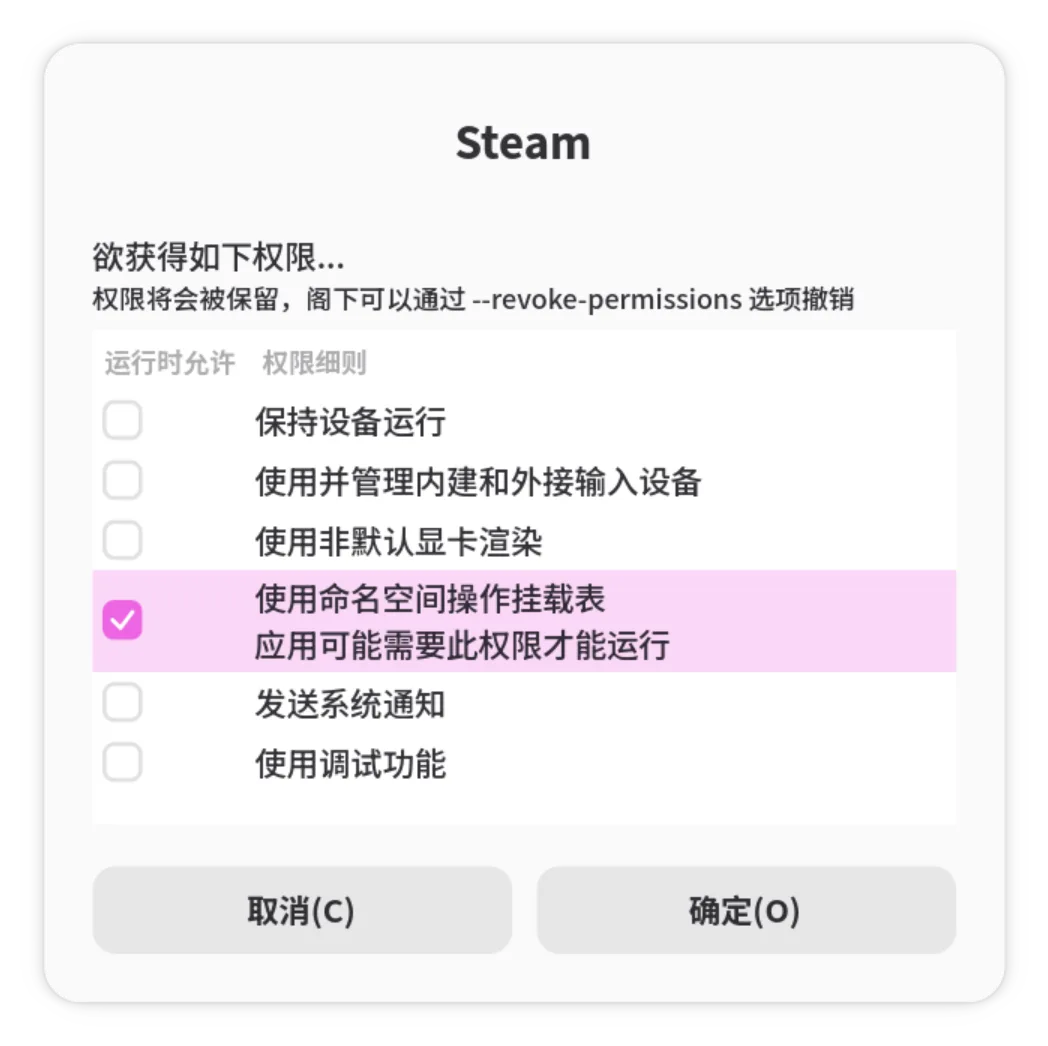
Portable has largely been English (Great Britain) only. While this worked fine when it was a niche project and did not have any “User Interface”, things have changed when we introduced “Dynamic Permissions”:
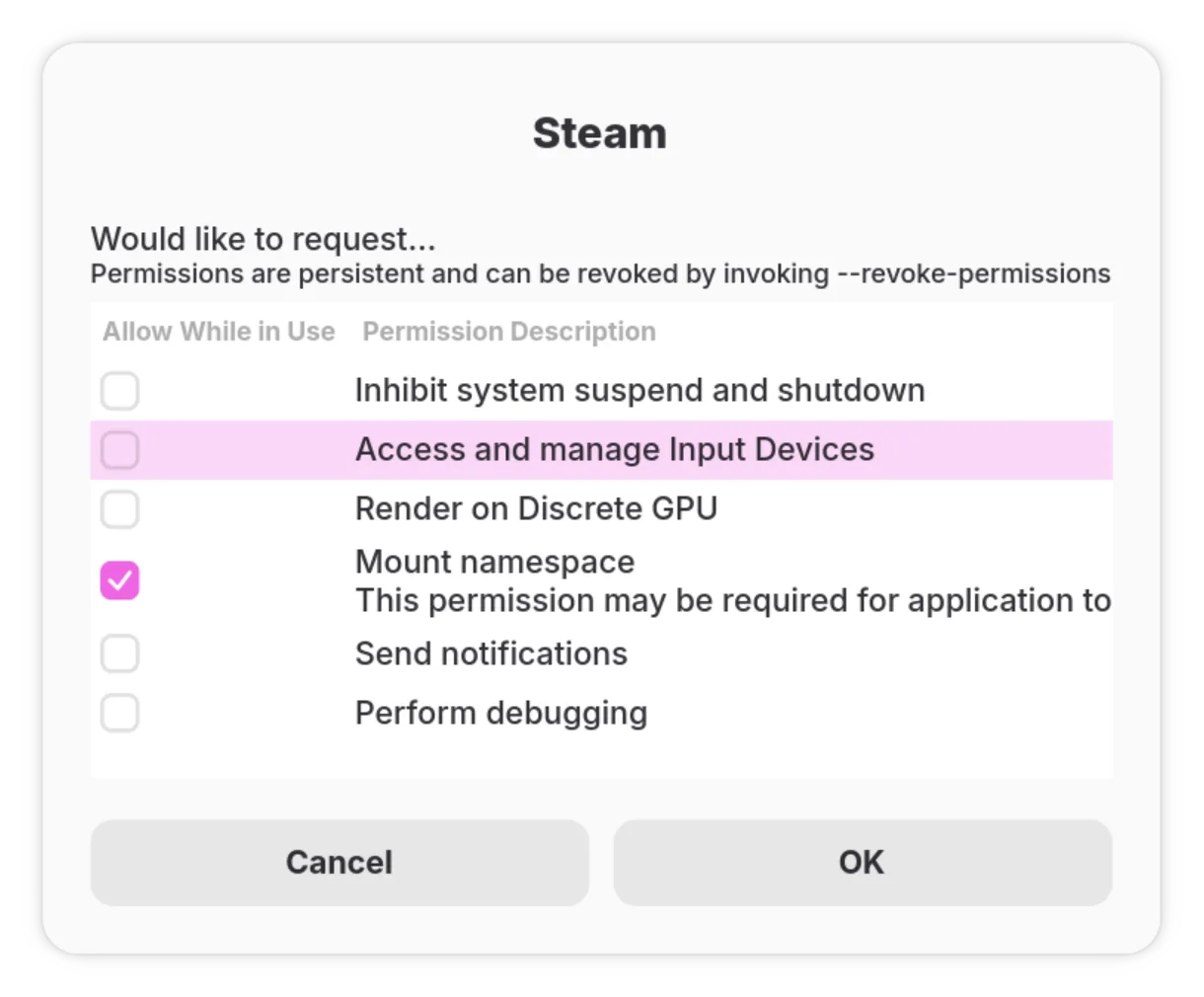
We are introducing GNU gettext for localising Portable. This article will walk through basic principles of GNU gettext and how to translate Portable.
Text Domain
A text domain is several dedicated translation files stored on disk for each language. There are several file types that are worth noting by their extension:
.pot: GNU gettext message catalogue template, ASCII text.po: GNU gettext message catalogue, Unicode text, UTF-8 text.mo: GNU message catalog (little endian), revision 0.0, 14 messages
Every program has it’s own Text Domain, for Portable the ID is org.kraftland.portable.
It may seem a bit confusing for 3 different types hanging around here, but it’s actually straightforward when you understand how a translation of supported program forms.
Preparing the program
To translate content, we must first import the gettext code. For Rust programs, it is simply steps away:
- Import the relevant crate:
cargo add gettext-rs --features 'gettext-rs/gettext-system'(Notice that we enabled thegettext-systemfeature, because Portable mostly run on glibc systems) - Initialise gettext in a synchronous state (
setlocaleis not thread-synced):
1 | fn main() -> Result<(), StartError> { |
- Mark Strings translatable. In essence, replace
&strwithgettextrs::gettext(&str):
1 | gettextrs::gettext("Allow While in Use") |
That’s it for the code source.
Extracting translatable content from the program
The next step is preparing a .pot template for other languages to use. For this step we’ll use the built-in xgettext program that comes with gettext as it is Rust-ready:
1 | xgettext \ |
This saves the translation template into po/messages.pot and it gives you a glimpse of how .po files write in syntax.
For each language, the template can then be adapted to them using msginit:
1 | msginit --input=po/messages.pot --locale="${locale}" --output-file po/"${locale}.po" |
This .po file can the be opened by a dedicated editor, or any text editor to translate original messages to their native locale.
Essentially, those strings that was marked as translatable before appears in a msgid block, resembling the original en_US locale. When initialising gettext, it will find the appropriate compiled locale.mo file, for example /usr/share/locale/zh_HK/LC_MESSAGES/org.kraftland.portable.mo. If it does not exist yet, fall back to compiled in static Strings (en_US).
Translators’ note
If you are a keen translator, it is very easy to translate Portable to your native language. It requires a basic knowledge of git operations and a Linux computer capable of running gtranslator.
- Fork Kraftland/portable into your own repository.
- Clone your repository to local using
git clone <address>. - Navigate to
po/in the project directory. - Open
<locale>.pofiles using Translation Editor, save and close when you are done. - Commit your changes and push it back up.
- Open a Pull Request towards Kraftland/portable:master.
Happy translating!